

































All your MattoBoard design tools, in a team workspace
Use the PRO tools you already know in your team workspace, plus a shared Studio Library, sharing permissions and team management.
Your Personal workspace stays separate.
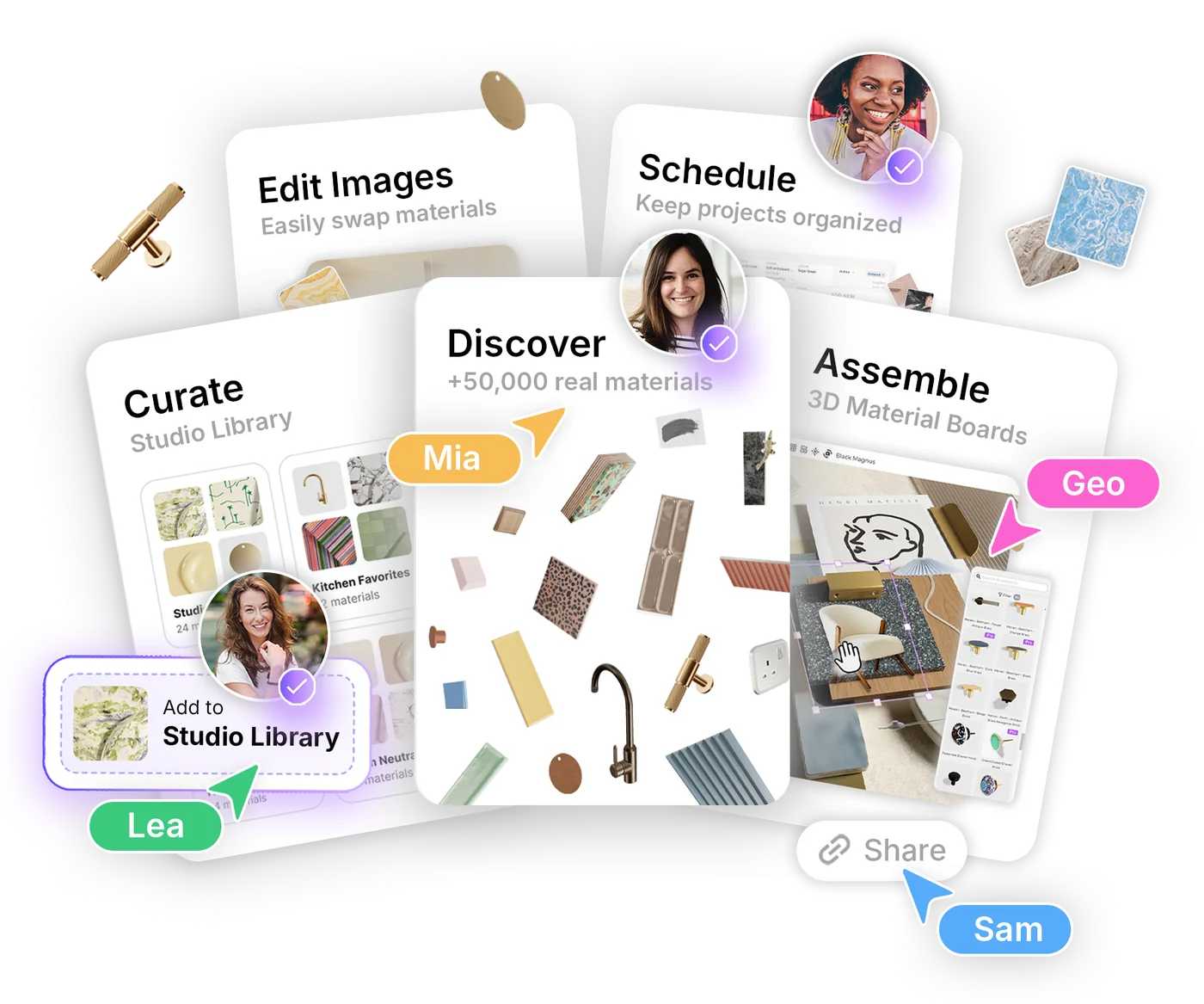
Teams & Shared Studio Library
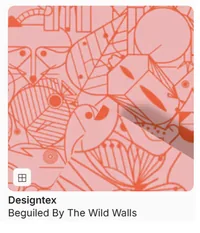
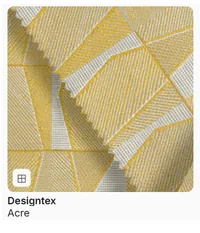
Give your studio the speed to create winning interior pitches fast. An AI-powered shared library of real materials & products for your team, to generate & iterate mood boards, concept images, FF&E schedules fast.
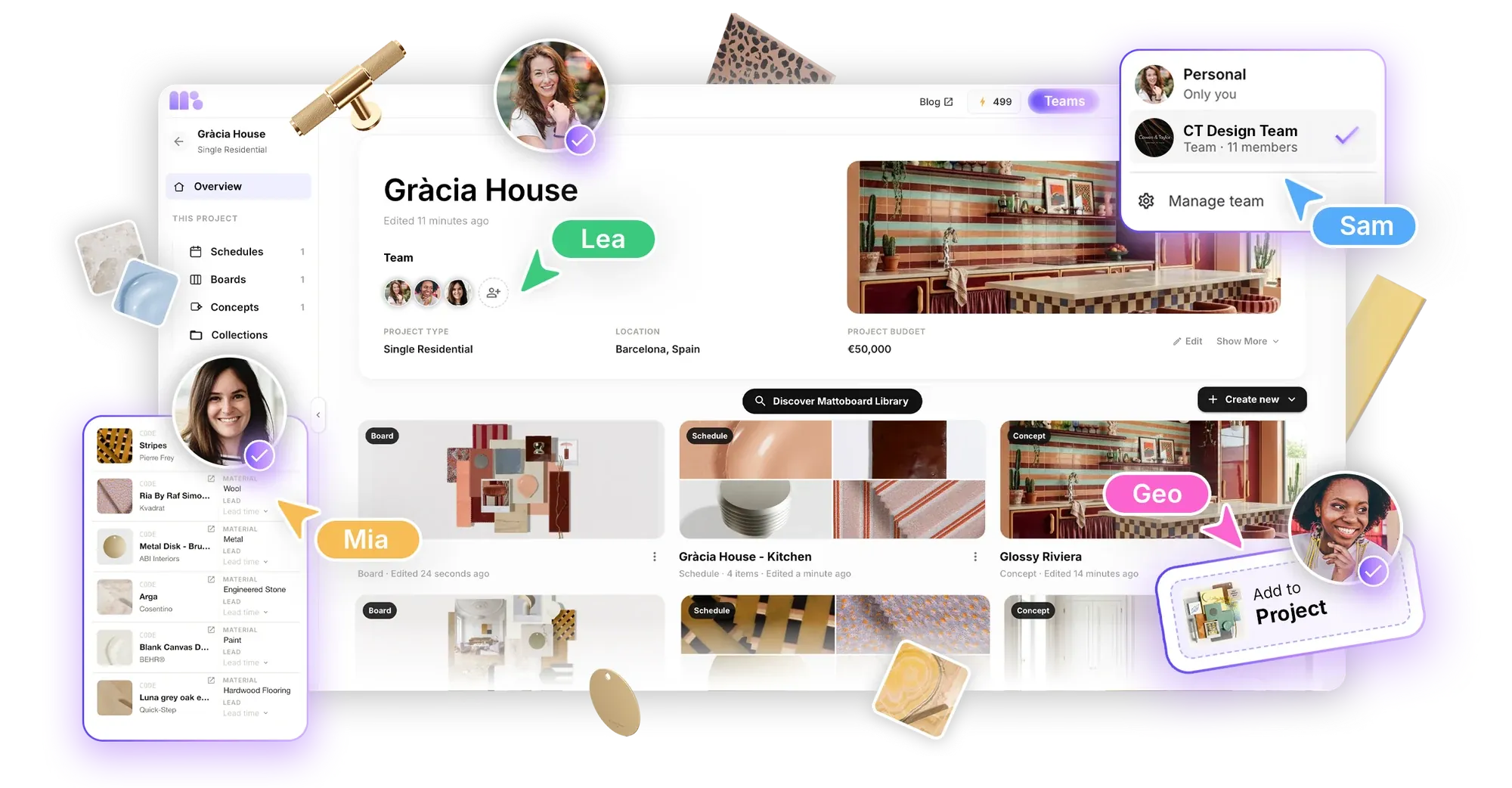
Work in your team workspace stays private until you share it. You choose who sees it, named teammates or the whole team, and whether they can view or edit.
Use the PRO tools you already know in your team workspace, plus a shared Studio Library, sharing permissions and team management.
Your Personal workspace stays separate.
Keep your studio’s materials and products in one library that belongs to the firm. Team members add to it and keep it current, so everyone specifies from the same source and reuses proven selections across projects.
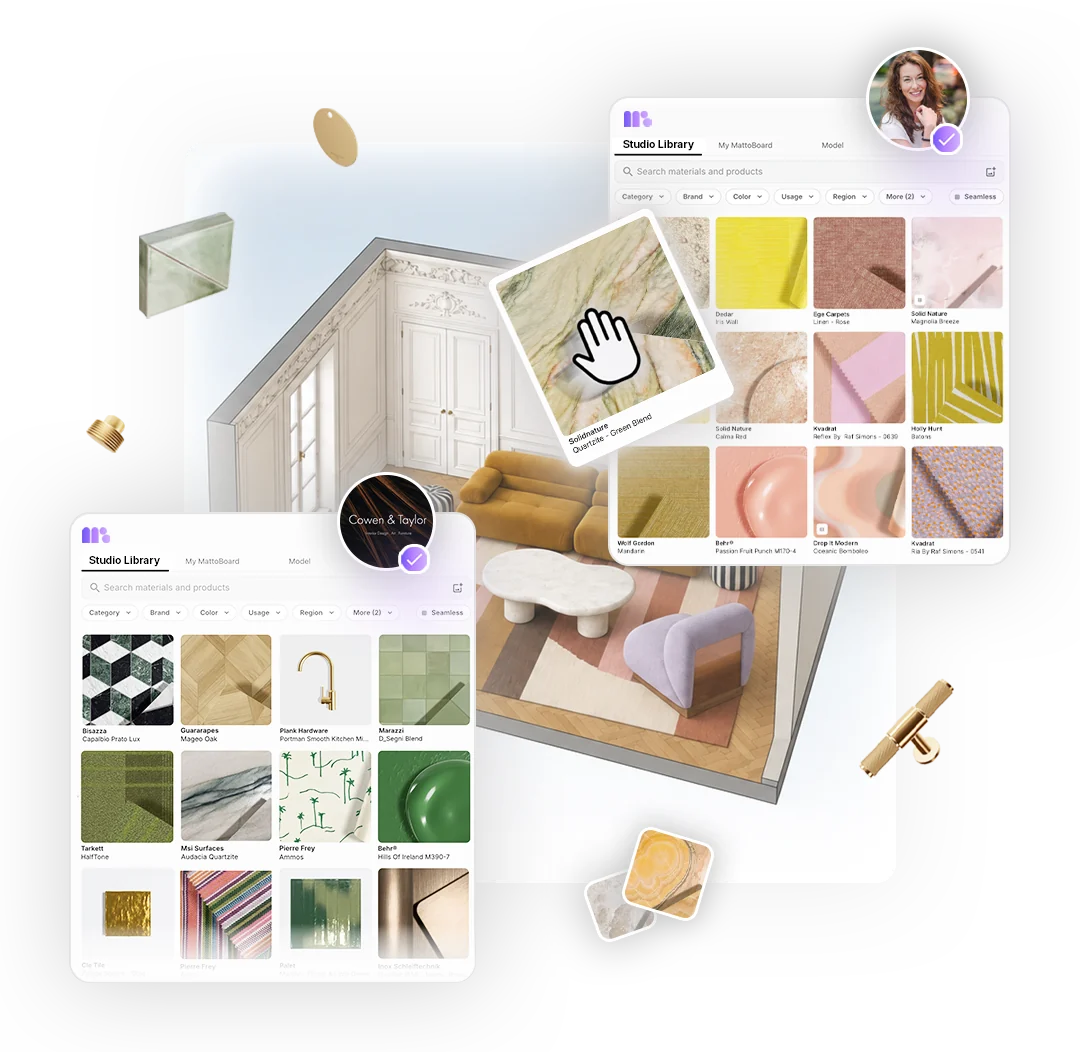
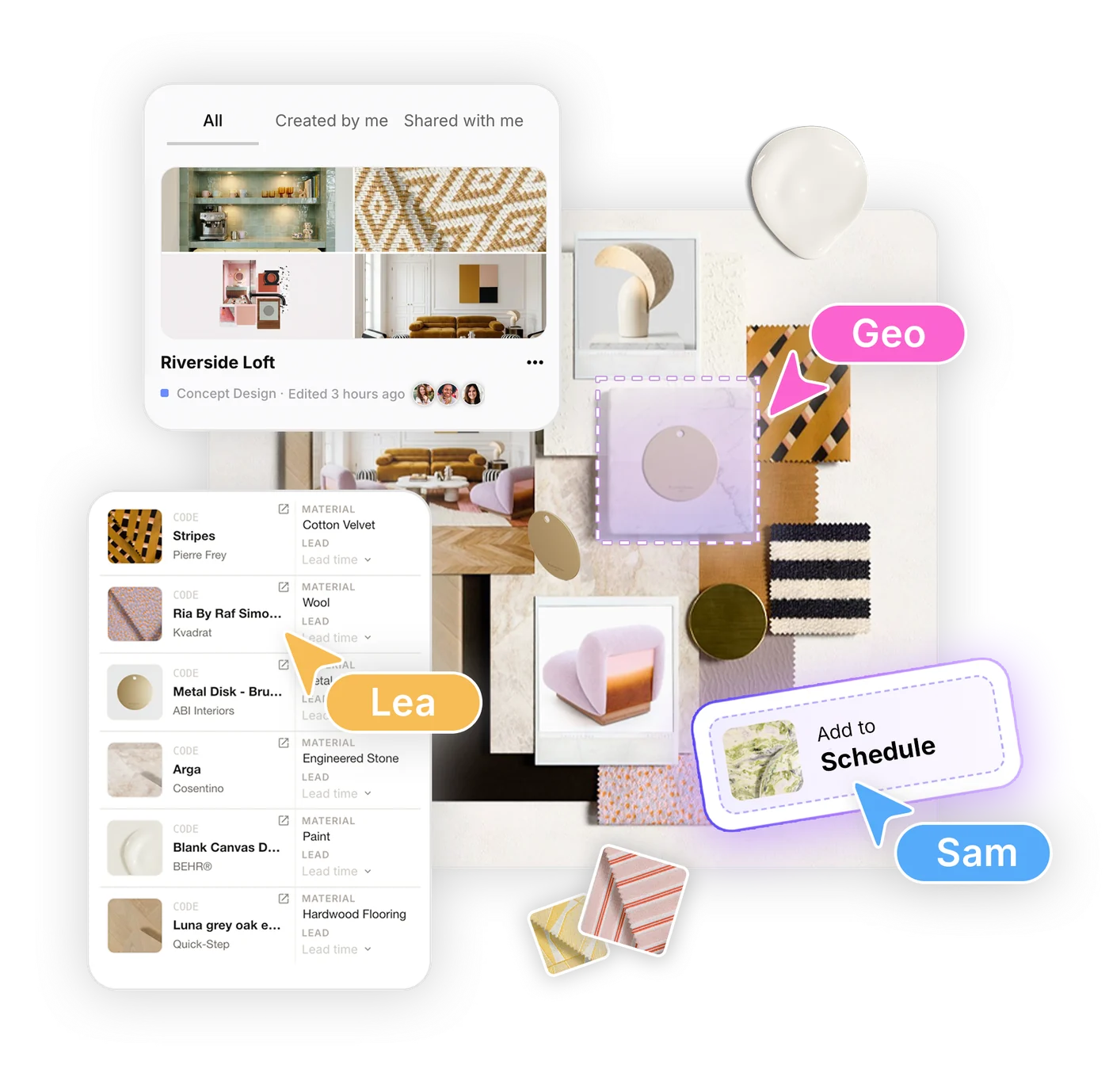
Share a 3D moodboard or collection with named teammates or the whole team. Editors refine the selection with you, viewers follow along, and every card shows the owner and your access: Owner, Can edit or View only.

Share a design concept and each teammate gets their own copy to explore, while your original stays as you left it. Concepts and image edits use the team’s shared credits, and admins can see each member’s usage.
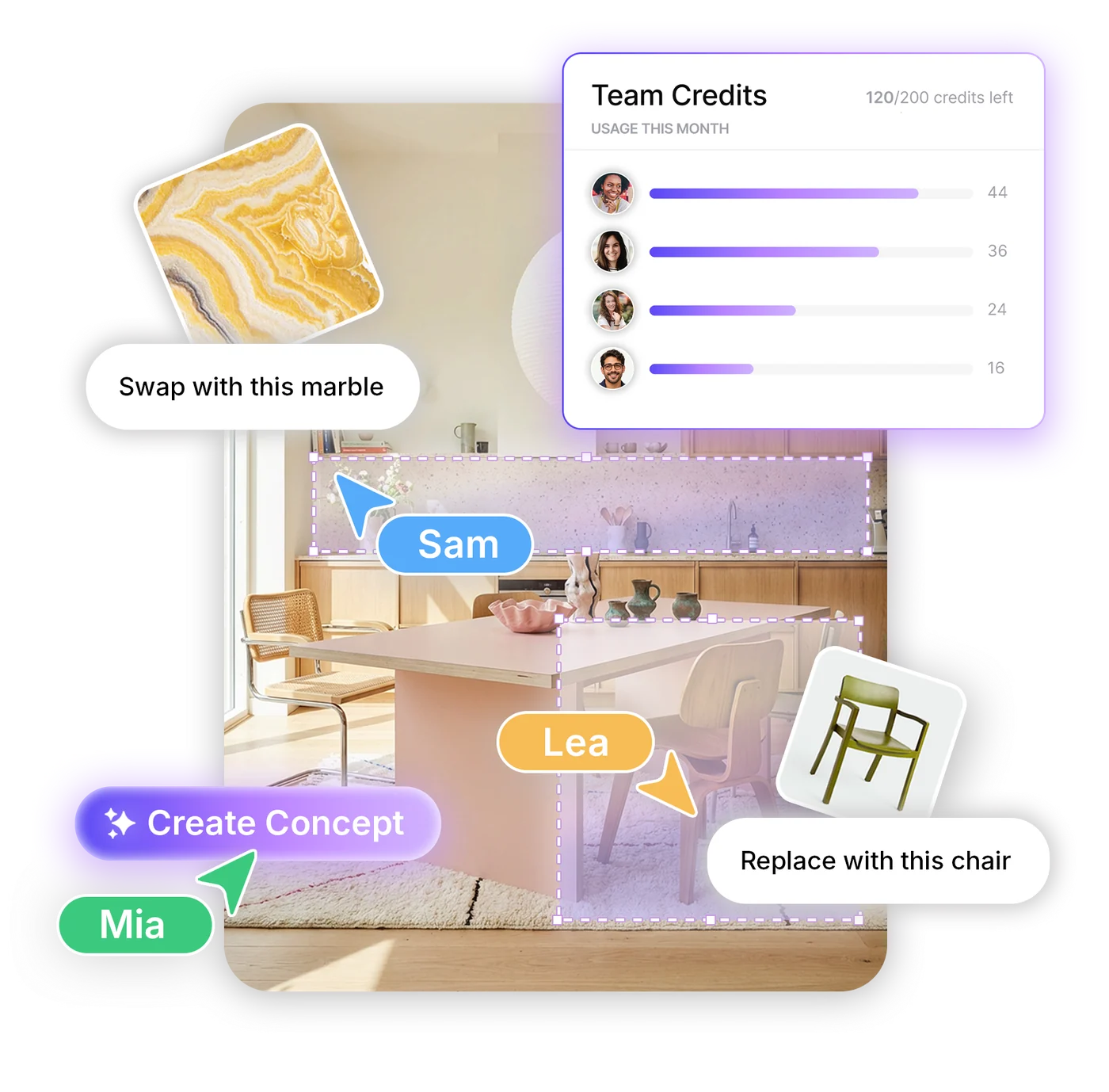
Share a project and everything filed in it is shared with the project’s people, keeping its boards, collections and concepts together. Work shared with you appears under Shared with me.
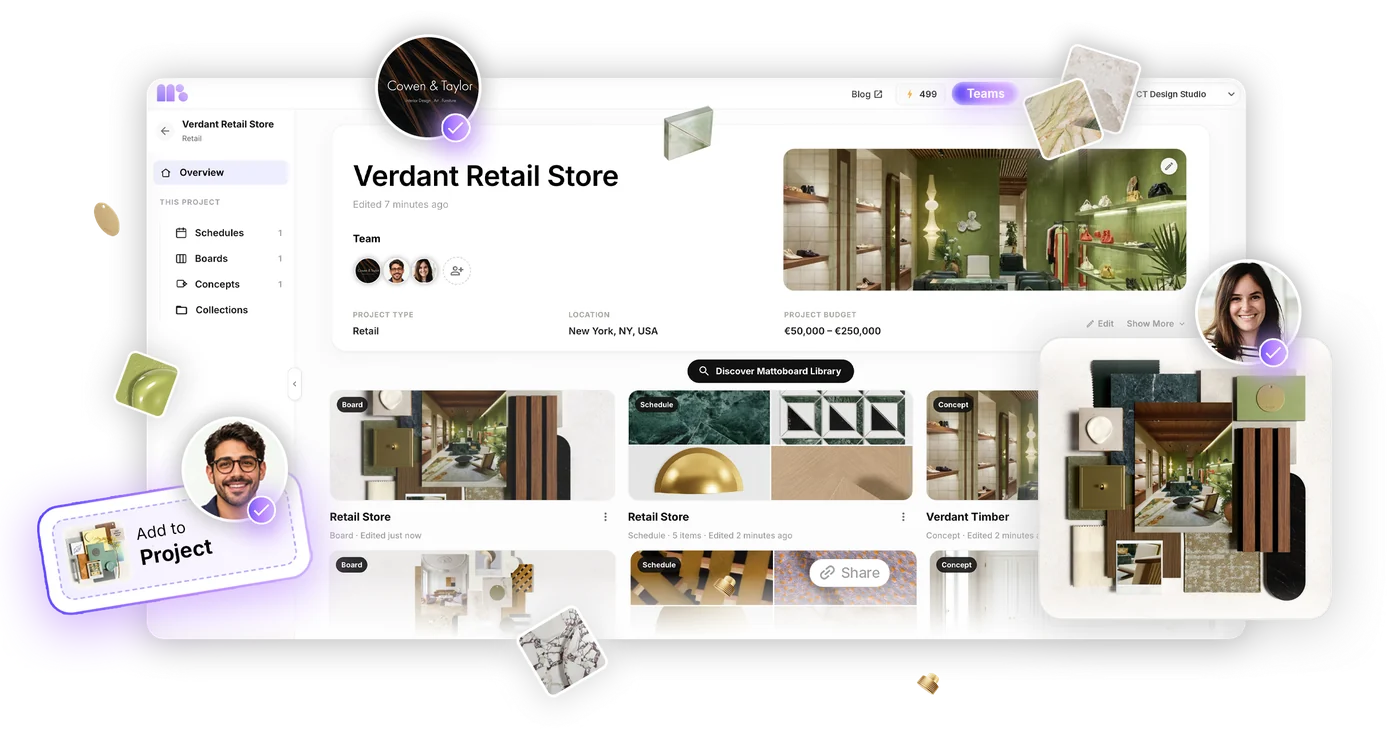
Keep FF&E schedules inside shared projects, alongside the project’s boards and concepts. Teammates with edit access can organise selections, add products and update the specification as the project develops, while those with view access follow along.
Clear controls for the people who run the studio’s account.
Invite colleagues to join the studio’s team workspace.
Set each member’s role in the team.
Add or reassign seats as the studio changes.
Top up the team’s shared credit balance when you need more.
Manage your team’s settings.















“I saved over £5000 in rendering artist fees, and we responded to an RFP in 2 days, where it usually takes us 2 weeks”
 Kasia MiroslawSenior Interior Designer · Echospace
“Mattoboard is the only AI tool that actually leverages real brands and materials so that the vision I bring to life, is grounded in quality specifiable products.”
 Manuella MoreiraFounder · Manuella Moreira Design
“As CEO of I/O Atelier, this is a ground breaking addition to our toolkit & indispensable for staying ahead in a dynamic industry.”
 Steven CharltonCEO · I/O Atelier
“Mattoboard has become essential to my design presentations. I can’t picture myself using anything else.”
 Katherine RodriguezFounder · Interior Style LLC
“A viable alternative to spending thousands on professional CGI images and enough to help most clients understand your vision.”
 Andy KornOwner · Studio Barn
“I just used Mattoboard on a client presentation and I felt like I was a kid again. I couldn’t get over how the space came to life before my eyes.”
 Roberto di StefanoFounder · Di Stefano Design Studio
“So excited to have a 3D way to view materials, digitally, that looks more real to the eye.”
 Kristina MeierarendDesigner · Yaeger Architecture





Get started
Build your studio’s library, share work with the right access and keep schedules alongside each project’s boards.